How to use Docker?

AfterAcademy Tech
•
31 Jul 2020
Note: If you are unfamiliar with the concept and need of Docker, please refer here.
To recap what’s being previously stated, the primary advantage of Docker is that it allows us to package an application with all of its dependencies into a standardized unit using containers. Unlike virtual machines, containers do not have high overhead and hence enable more efficient usage of the underlying system and resources.
How to install Docker?
Installing Docker is a pretty quick process and there is no need for many configurations. You can get the link to download Docker based on your Operating System from here.
Once your installation is done, a common way to test for a successful installation is by using the command →
docker versionHello World in Docker
Let’s run a simple hello world in Docker to get you started.
Yes, a hello-world container exists in Docker for beginners.
Simply run the command →
$ docker run hello-world
You will get the following message explaining you the entire process of how the command was executed →
Hello from Docker!
This message shows that your installation appears to be working correctly.
To generate this message, Docker took the following steps:
 1. The Docker client contacted the Docker daemon.
 2. The Docker daemon pulled the "hello-world" image from the Docker Hub(amd64).
 3. The Docker daemon created a new container from that image which runs the executable that produces the output you are currently reading.
 4. The Docker daemon streamed that output to the Docker client, which sent it to your terminal.
Difference between images and containers
Docker images and containers are closely related terms and its common to confuse between the two for beginners. Docker images are built by executing commands in the dockerfile and what it primarily does is that it captures the run-time environment parameters so that if it runs again in some other machine, it runs exactly the same as the current machine. On the other hand, a container is an “instance” of an image.
In simple words,
Let a docker image be a blueprint of a building, a container would then be the actual building!
Writing a dockerfile
dockerfile is used to specify instructions to create a Docker container. It is essentially a list of commands in a text file(dockerfile has no extension).
You open a dockerfile using the touch command.
$ touch dockerfile- A dockerfile is typically constructed from a
base imagesuch as Ubuntu(OS), SQL to allow a primary setting of the environment. This is done as follows:
Syntax: FROM <base-image-name>
Example: FROM ubuntu:latest
- It is then essential to establish the working directory. You either create one using
mkdircommand or setting an existing directory as working directory by using
WORKDIR /<app_name>
# And then copy the contents in the container
COPY . /<app_name>
- You can then expose ports or run preferred commands. Some examples are below →
# Exposing port 8080
EXPOSE 8080
# Installing dependencies
RUN apt-get install -y python
# Running Python
CMD ["python", "main.py"]
Note: The difference between RUN and CMD is that the RUN command is executed while building the image and CMD command is executed when we start the container.
You can find the official reference build dockerfile along with the list of commands used here.
Once the dockerfile is created, you can just build the image using the command
$ docker build .
Docker will find the dockerfile in the current directory and build a docker image based on it.
Commands in Docker
Besides the commands being described above, some other commonly used commands with their use are as follows:-
- Shows the list of docker images available locally
$ docker images
REPOSITORY     TAG      IMAGE ID        CREATED             SIZE
hello-world   latest    bf756fb1ae65   6 months ago        13.3kB
- Similarly, you can get a list of containers in a tabular format using the command
$ docker ps
CONTAINER ID   IMAGE          COMMAND                 NAMES
e90b8831a4b8   nginx        "/bin/bash -c 'mkdir'"   my_nginx
00c6131c5e30   telegraf:1.5   "/entrypoint.sh"       my_telegraf
- Create a container from a docker image and run it
$ docker run [<image_name> or <image_id>]
Sometimes, a few command-line arguments are passed in this command depending on the requirements of the container.
- You can start or stop a container using the
startandstopcommand
$ docker start <container_id>
$ docker stop <container_id>
- You can pull or push an image to Docker Hub
$ docker push <image_name>
$ docker pull <image_name>
- You can also remove images and containers using
rmorrmicommand
$ docker rm <container_id>
$ docker rmi <image_id>
This was a basic walkthrough to get you started with Docker. You can learn more commands as you keep using Docker and keep avoiding dependency hassles with your client 😉.
Please post your feedback in the comments below.
Happy Learning!
Written by AfterAcademy Tech
Share this article and spread the knowledge
Read Similar Articles
AfterAcademy Tech
What is Docker and what's so special about it?
Docker is a platform enabling the creation and use of a containerized app which increases application portability in an efficient way. Read the blog to know more.

Janishar Ali
How to Create Microservices — A Practical Guide Using Go
gomicro is a Go microservices architecture using goserve micro framework. The blogging platform example is built using Kong API gateway, NATS, Mongo, Redis, and Docker. It implements authentication, authorization, and apikey protection.

AfterAcademy Tech
RESTful API Using Node and Express
In this tutorial, we will learn to build the RESTful API using Node and Express. The goal is to make you comfortable in building your RESTful API with Node.js and Express. At the end of this blog, you will be able to build your REST APIs using Node.js and Express.
AfterAcademy Tech
Reverse a Stack Using Recursion
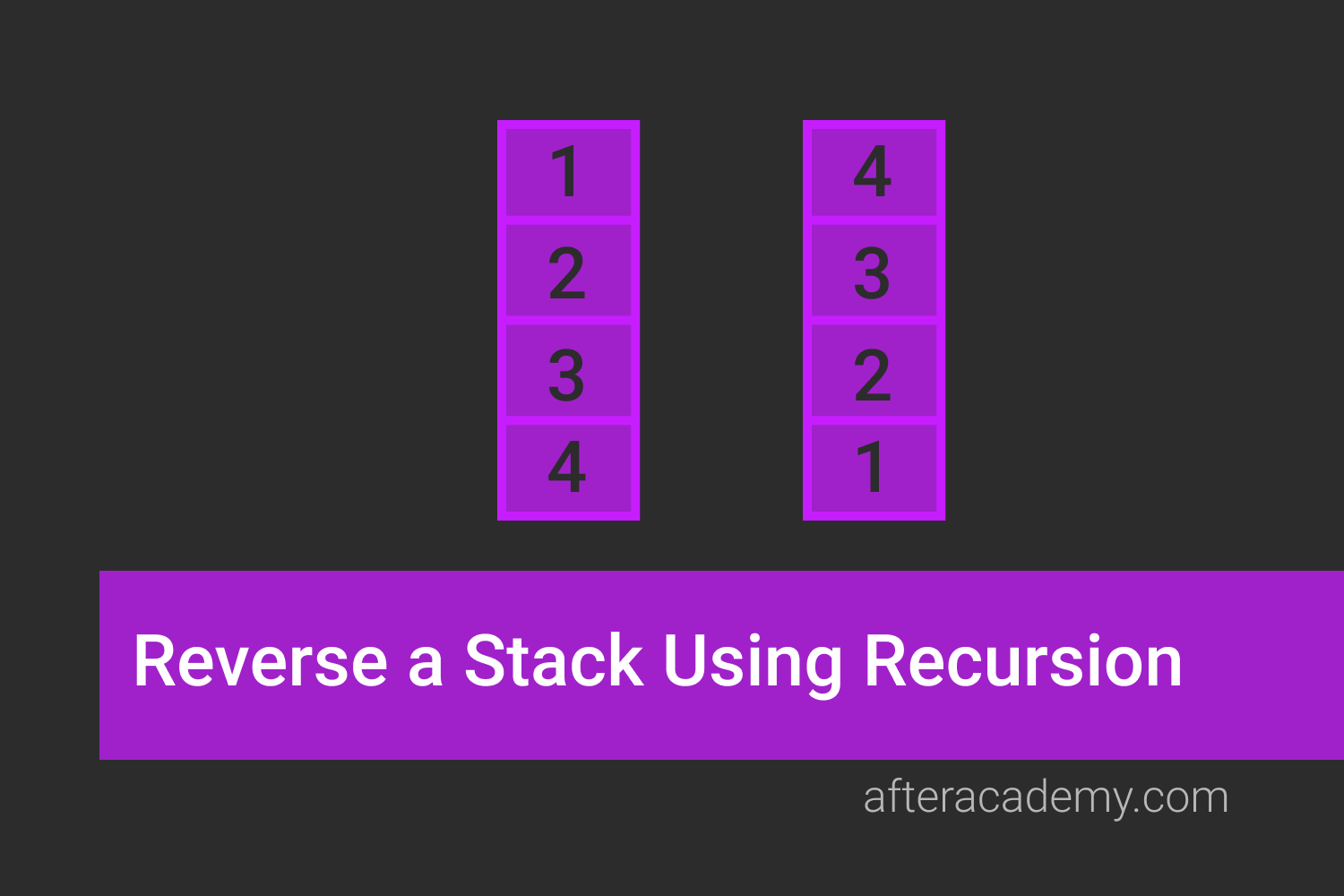
Given a stack of integers st, write a program to reverse the stack using recursion. This problem will clear the concept of recursion.