What is a NIC(Network Interface Card)?

AfterAcademy Tech
•
06 Feb 2020
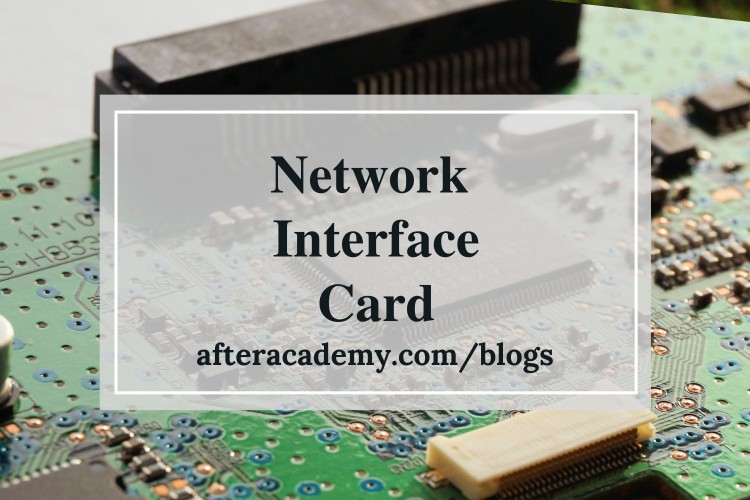
One of the ways to access the internet is to connect a LAN cable(Ethernet Cable) to our computer. What happens when we connect this LAN cable to our computer? This LAN cable connects to a hardware device already present in our computer called Network Interface card. So, any computer in order to connect to the internet needs a Network Interface Card(NIC). These days almost all computers have built-in NIC. So let's learn more about NIC.
NIC
Network Interface Card is a hardware device that is installed on the computer so that it can be connected to the internet. It is also called Ethernet Card or Network Adapter. Every NIC has a 48-bit unique serial number called a MAC address which is stored in ROM carried on the card. Every computer must have at least one NIC if it wants to connect to the internet.
NIC is not the only component that is required to connect to the internet. If your device is a part of a large network and you want it to connect to the internet then a router is also required. The NIC will connect to the router then this router will connect to the internet.
Types of Network Interface Card:
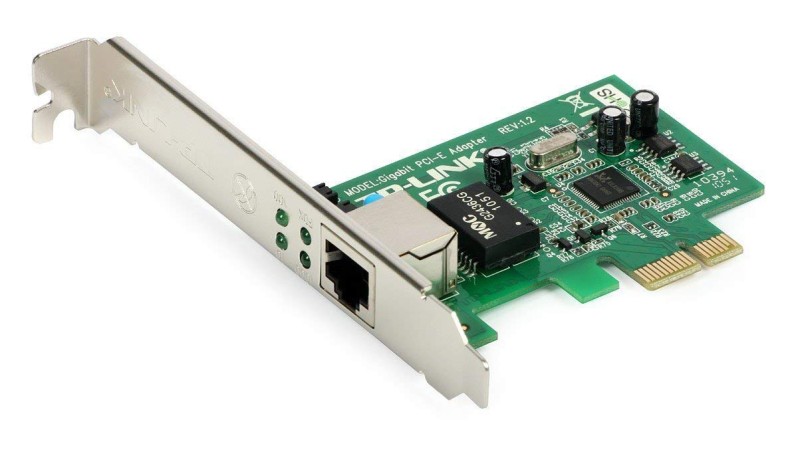
- Wired: These NIC have input jacks made of cables(Ethernet Cable). The motherboard has a slot for the network cards where they are inserted. The most widely used LAN technology is Ethernet. Ethernet-based NIC is available in hardware shops. The speed of Ethernet-based NIC can be 10/100/1000 Mbps.
Example: TP-LINK TG-3468 Gigabit PCI Express Network Adapter
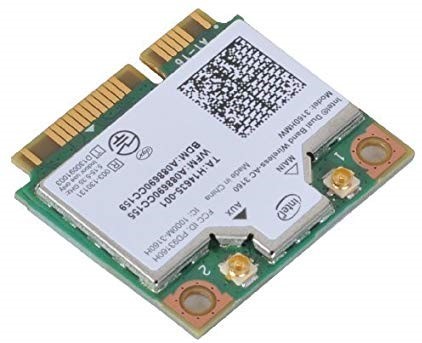
- Wireless: Wireless network cards are inserted into the motherboard but no network cables are required to connect the computer to the internet. These NICs are designed for Wi-Fi connections.
Example: Intel 3160 Dual-Band Wireless Adapter
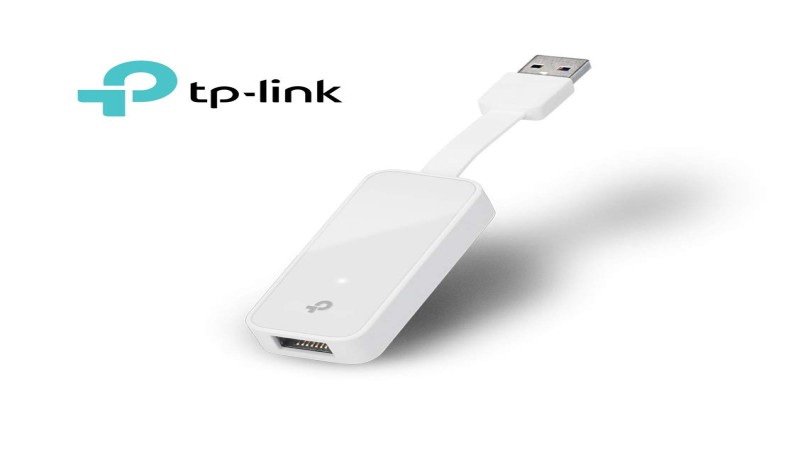
- USB: These are NICs that provide network connection over the device plugged in the USB port. For Example, if you are a gamer and you are tired of watching helplessly that your gaming character dies due to Wi-Fi-induced lags. So the USB-ethernet adapter can be a solution to your problem.
Example: TP-Link TL-UE300 USB 3.0 to RJ45 Gigabit Ethernet Network Adapter
How fast are the Network interface Cards?
Every NIC comes with a speed rating such as 11 Mbps, 100 Mbps, etc. that suggests the performance of the NIC. The speed of NIC depends on two other. First, the available bandwidth and second, the speed that you are paying for.
Example: If you are paying for 10Mbps download speed but using a 54 Mbps NIC then NIC will not increase your speed. Now imagine you are paying for 15 Mbps but using an 11 Mbps NIC then your download speed will be slower and you will not get the speed of what you are paying for.
Now, imagine another situation where your download speed is 54 Mbps and your NIC also supports it. But, you have two computers connected to the network downloading simultaneously. So, the downloading speed is split into two halves and each computer will get a bandwidth of only 27 Mbps.
Advantages of NIC
- Network Interface Cards help to connect the system to the internet and enable data flow.
- It also helps to connect a remote computer.
Disadvantages of NIC
- The data is not secure in NIC connection and the data can be hacked. But, the security can be implemented through external software and encryption to encrypt the data while sending the data to the other computers.
This is all about the Network Interface Card. Hope you learned something new today.
Do share this blog with your friends to spread the knowledge. Visit our YouTube channel for more content. You can read more blogs from here.
Keep Learning 🙂
Team AfterAcademy!
Written by AfterAcademy Tech
Share this article and spread the knowledge
Read Similar Articles
AfterAcademy Tech
What is a network and what are the nodes present in a network?
In this blog, we will mainly learn about a computer network and its node. We will also cover the classification, goals, and applications of a computer network.
AfterAcademy Tech
What is network topology and types of network topology?
In this blog, we will learn about various network topologies, their advantages and disadvantages in a computer network.

AfterAcademy Tech
What are Peer-to-Peer networks and Server-Based networks?
In this blog, we will learn about the types of network based on design, that are Peer-to-Peer, and Server-Based networks. We will also see the applications, advantages, and disadvantages of using these networks.

AfterAcademy Tech
What is a Network Operating System?
In this blog, we'll learn about the Network Operating System and its various features. We'll also see the types of Network Operating System, their advantages, and disadvantages.