Build Your Own Personal AI Bot for Free | Raspberry PI | N8N workflow | AI Project DIY

Janishar Ali
•
01 Jul 2026
Linux commands for the Youtube video
# SWAP
sudo fallocate -l 1G /swapfile
ls -lh /swapfile
sudo chmod 600 /swapfile
ls -lh /swapfile
sudo mkswap /swapfile
sudo swapon /swapfile
sudo swapon --show
sudo cp /etc/fstab /etc/fstab.bak
echo '/swapfile none swap sw 0 0' | sudo tee -a /etc/fstab

cat /proc/sys/vm/swappiness
sudo sysctl vm.swappiness=10
echo 'vm.swappiness=10' | sudo tee /etc/sysctl.d/99-swappiness.conf sudo sysctl --system
cat /proc/sys/vm/swappiness

# upgrade operating system
sudo apt update
sudo apt full-upgrade -y
sudo apt autoremove -y
sudo reboot

# docker compose
https://docs.docker.com/compose/install/linux/
curl -fsSL https://get.docker.com -o get-docker.sh
sudo sh get-docker.sh
docker compose version

# n8n
mkdir n8n-compose
cd n8n-compose

nano .env
```
# Whether to use secure cookies (should be true if using HTTPS)
N8N_HOST=localhost
N8N_PROTOCOL=http
N8N_PORT=5678
WEBHOOK_URL=http://localhost/

# Security
N8N_PROXY_HOPS=2
N8N_TRUST_PROXY=true
N8N_SECURE_COOKIE=false
N8N_BASIC_AUTH_ACTIVE=true
N8N_BASIC_AUTH_USER=piuser
N8N_BASIC_AUTH_PASSWORD=123456

# Timezone
GENERIC_TIMEZONE=Asia/Kolkata

# Hardening
N8N_COOKIE_DOMAIN=localhost
N8N_PUBLIC_API_DISABLED=true
N8N_DIAGNOSTICS_ENABLED=false
N8N_VERSION_NOTIFICATIONS_ENABLED=false
N8N_TEMPLATES_ENABLED=false
EXTERNAL_FRONTEND_HOOKS_URLS=
N8N_DIAGNOSTICS_CONFIG_FRONTEND=
N8N_DIAGNOSTICS_CONFIG_BACKEND=

EXECUTIONS_DATA_SAVE_ON_SUCCESS=false
EXECUTIONS_DATA_PRUNE=true
EXECUTIONS_DATA_MAX_AGE=168
```
mkdir local-files
nano compose.yaml

```
services:
  n8n:
    image: docker.n8n.io/n8nio/n8n
    restart: always
    env_file:
      - .env
    ports:
	- "5678:5678"
    volumes:
      - n8n_data:/home/node/.n8n
      - ./local-files:/files

volumes:
  n8n_data:
```

sudo docker compose up -d

hostname -I
sudo docker compose stop
docker compose down
docker compose up -d
Written by Janishar Ali
Share this article and spread the knowledge
Read Similar Articles
Janishar Ali
Mastering NestJS — Building an Effective REST API Backend
Nextjs is a very popular framwork for writing API backend services using Typescript (JavaScript). Building a secure and maintainable service requires understanding software concepts, dependency injection, abstraction, and integration with popular libraries. In this article we will deep dive and develop a complete project to power an actual mobile application.

AfterAcademy Tech
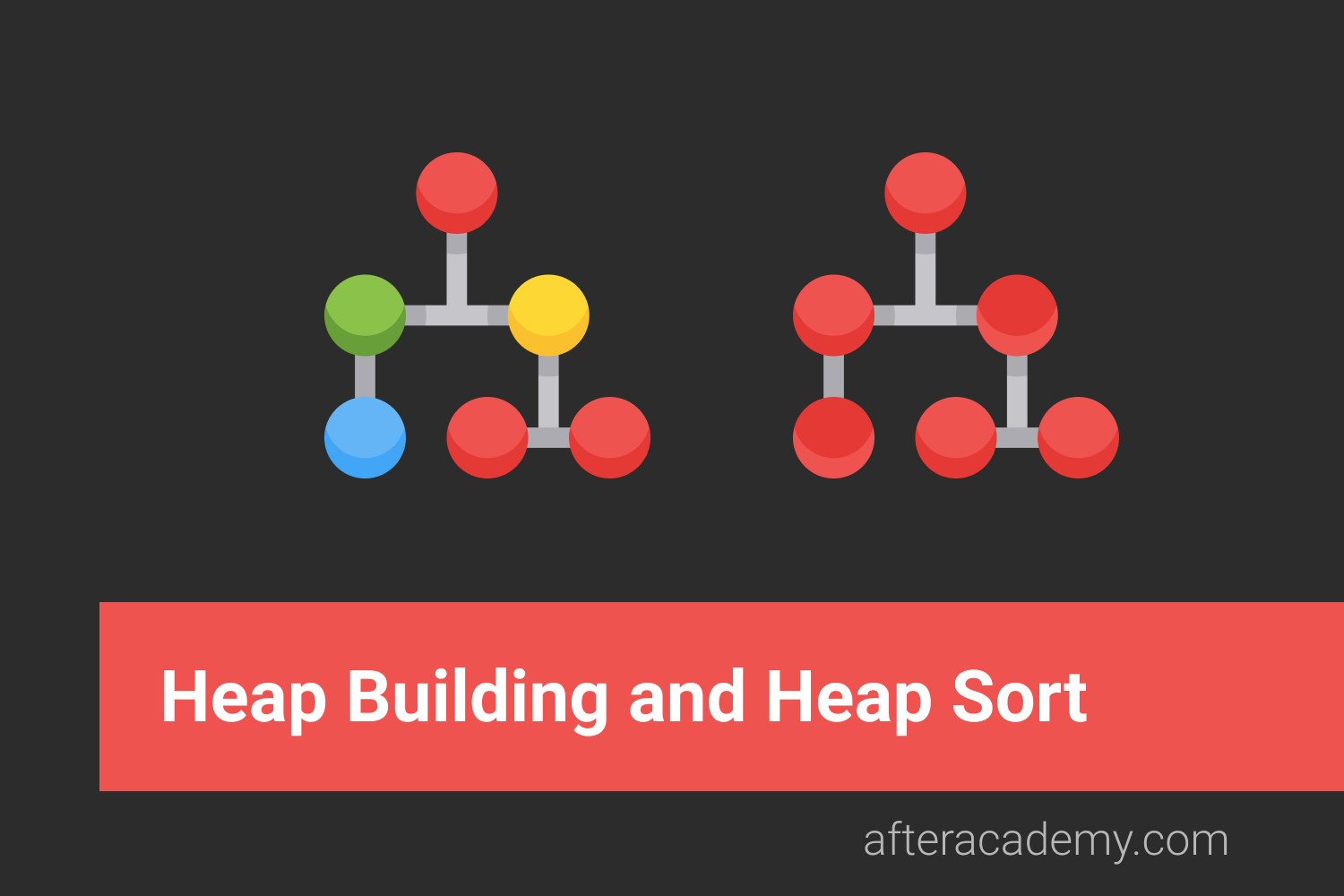
Heap Building and Heap Sort
Heap is a very useful data structure that every programmer should know well. The heap data structure is used in Heap Sort, Priority Queues. The understanding of heaps helps us to know about memory management. In this blog, we will discuss the various about Heap Building and Heap Sort.
AfterAcademy Tech
RESTful API Using Node and Express
In this tutorial, we will learn to build the RESTful API using Node and Express. The goal is to make you comfortable in building your RESTful API with Node.js and Express. At the end of this blog, you will be able to build your REST APIs using Node.js and Express.
AfterAcademy Tech
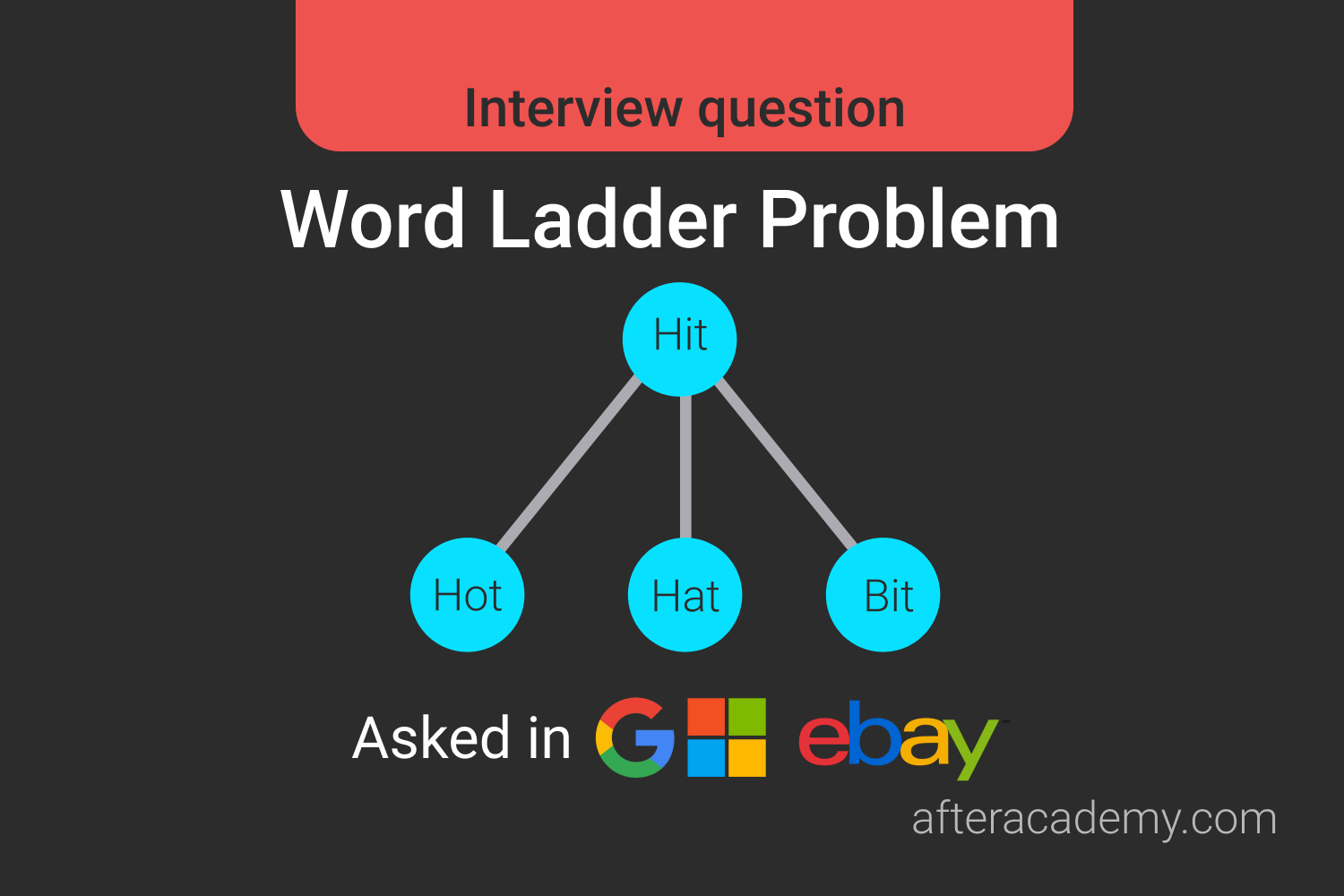
Word Ladder Problem
This is a typical graph problem that needs a proper understanding of building a graph and traversing on it using a breadth-first search.